

codegg
pointbit icon

pointbitMark where you click, snap where you point.

A Mac menu bar app that marks every click, so you know each click landed. Two taps of ⌘ and a letter take a picture or a recording.

macOS 13+Apple silicon and IntelNo network codeSource available (PolyForm Shield)
0.15 sa mark on every click
⌘ ⌘ + 1one letter to capture
0network calls

A mark on every click

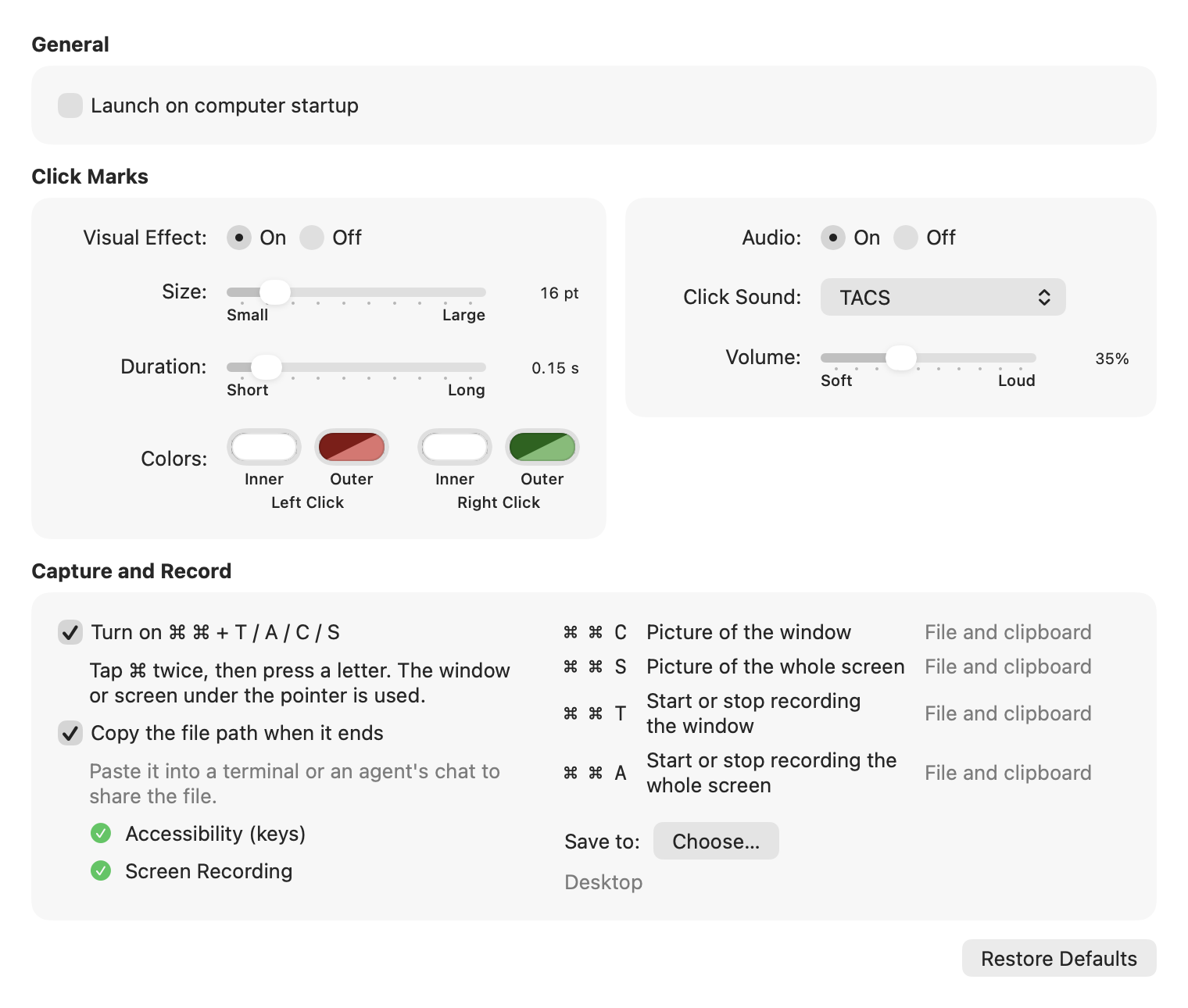
Red for left, green for right. Gone in 0.15 s. Size, colors and a click sound are adjustable. Try it here.

0 clicks

Click here. Left is red, right is green.

⌘ ⌘ and one letter

C or S for a picture. T or A to record. The window or screen under the pointer, no box to drag.

Saved as TACS-<date>-<time> .png or .mov, on your Desktop or in a folder you choose.

⌘⌘TACS

Stays on your Mac

No network code. No account. Two macOS permissions, and the guide says why.

pointbit settings window

Also in pointbit

Recordings show the clicks

The marks stay in the video. Handy for how-tos and bug reports.

Hand it to your AI

The file path goes to the clipboard. Paste it into your agent's chat.

Small and native

About 2 MB. Apple silicon and Intel.

Mark where you click, snap where you point.

REQUIRESmacOS 13+
CHIPSApple silicon, Intel
SIZE2.2 MB
LICENSEPolyForm Shield